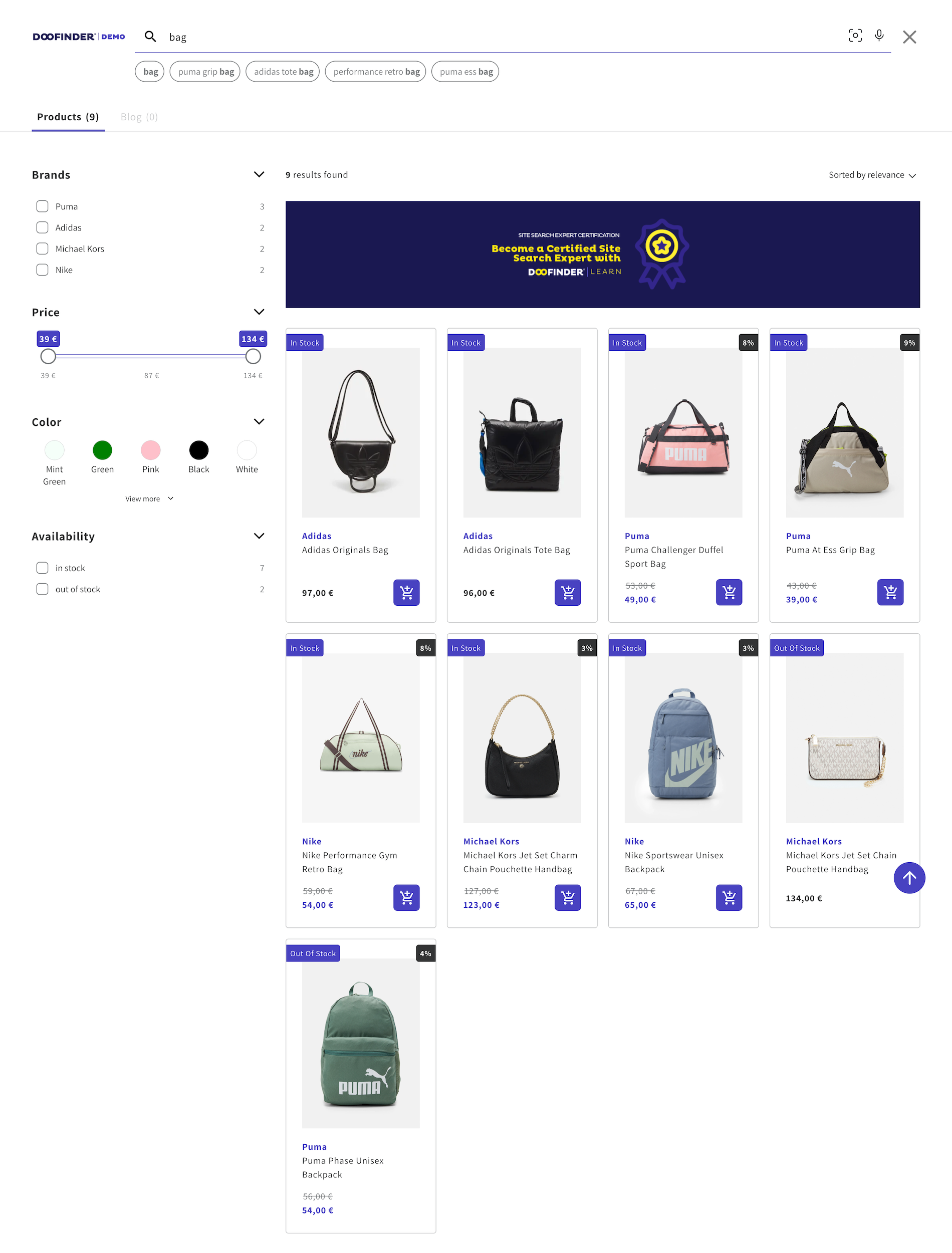
Apply Relevance Criteria To Display the Lowest Priced Product, Or Availability, Within A Product Group In Your Layer
Relevance Criteria directly impacts the display order of results. Doofinder manages this configuration and takes care of any change you need.
Case 1
This function helps the user ensure that Doofinder displays the product with the lowest price from a group of products, instead of the parent product, regardless of the "group_leader" field: ''true'' (whether it's indexed or not). We only need each group of products to be grouped with the same "group_id".
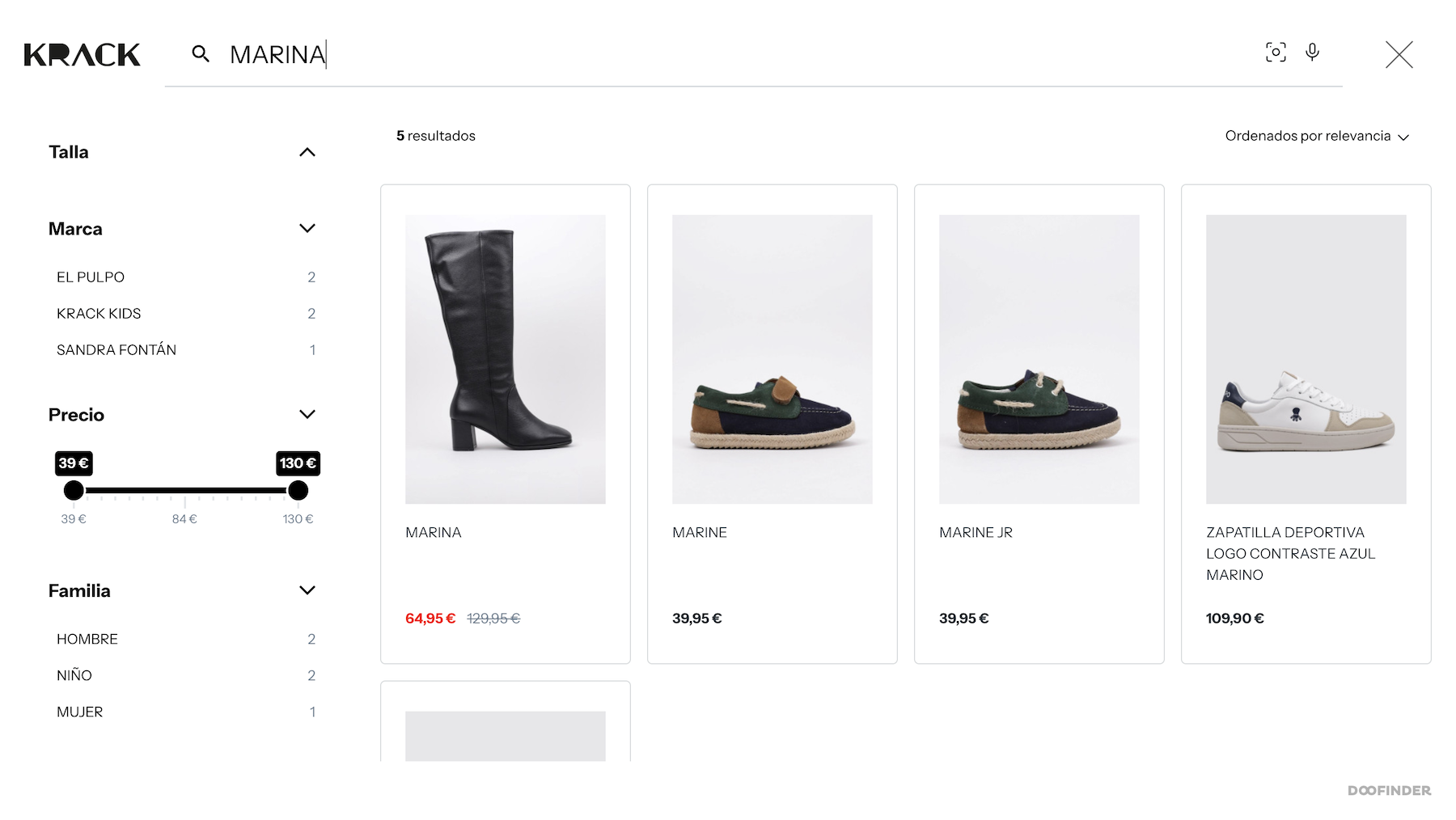
By default, Doofinder will always display the “group_leader” to “true” for a set of grouped products, so it's a viable way to show the product with the lowest price.
There are other cases where the "sale_price" is not indexed in parent products, in which case this change helps save time and prevents the customer from having to update the product database. Doofinder sets "best_price" or "sale_price" in Relevance Criteria as the second field, following score, in descending order (Highest to Lowest).
You can see your own configuration in Search > Advanced Preferences > Relevance criteria.
Case 2
Another example: In this other scenario, Relevance Criteria has availability in ascending order (A to Z) in the first position. The values of the field are "in stock" and "out of stock", so that order puts the "in stock" products at the forefront of the search results, followed by the "out of stock" ones.
- Product order before the Relevance Criteria configuration:
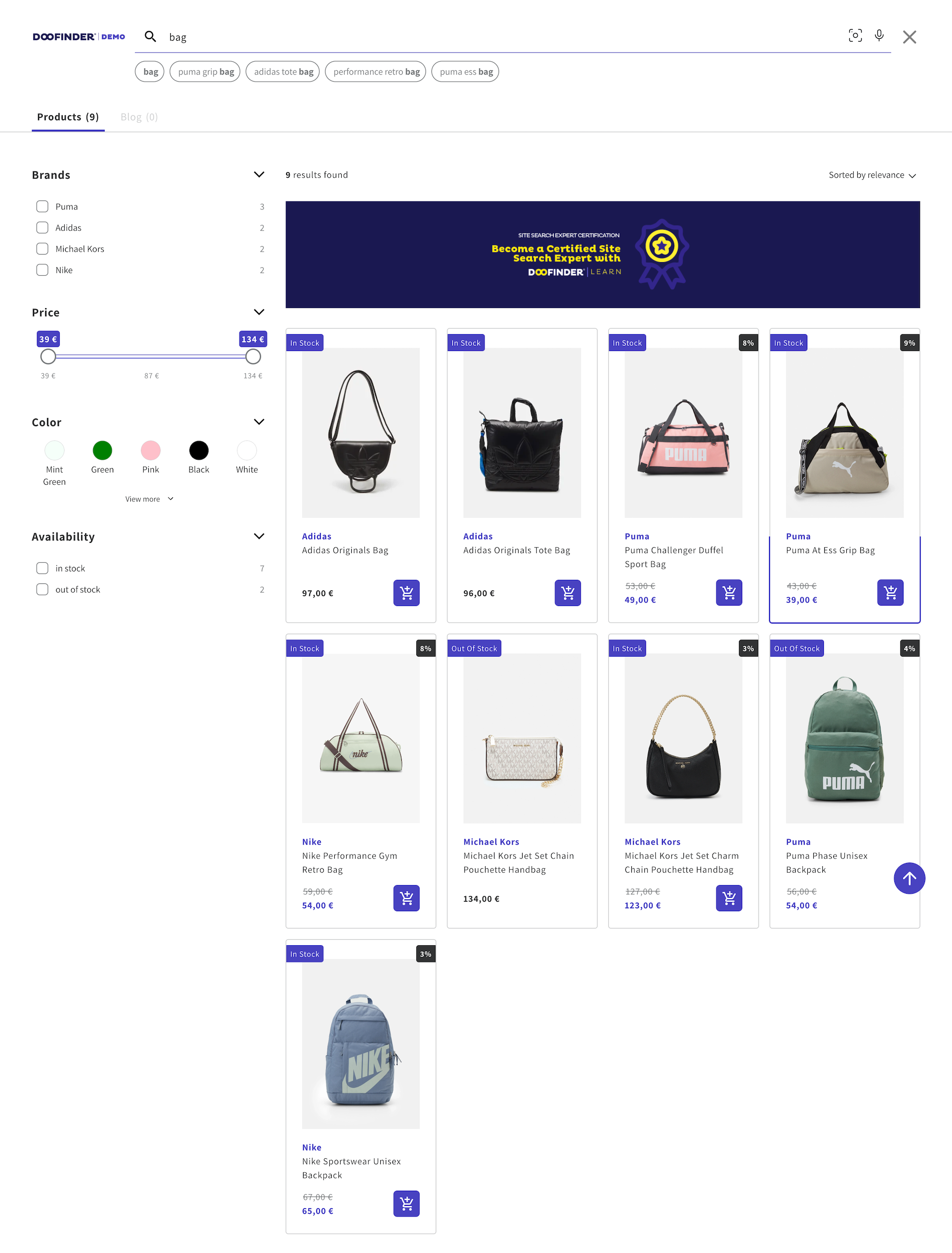
- Product order after the Relevance Criteria configuration: