


What Is Stats?
The Stats Tool helps you understand how search performs in your store. You can view metrics across different periods and devices for each Search Engine.
With these insights, you can:
- Improve your search performance.
- Increase your Click-Through Rate (CTR) and Conversion Rate (CR).
- Identify trends and new sales opportunities.
What Can You Discover in the Stats Panel?
Stats is divided into three panels:
- Optimization
- Performance
- Filters
1. Optimization
- Learn more about your data through our Search Optimization tab:
- What it is: Stats Optimization analyzes underperforming search queries and provides actions to improve search relevance and conversions.
- Key metrics tracked: Click Through Rate (CTR), Average Click Position (ACP), and Potential Recoverable Revenue (PRR).
- Search Discovery Score: A score combining user engagement (CTR) and ranking quality.
- Top Opportunities: A view of the most impactful underperforming queries.
- Doofinder handles automatically: It auto-fixes misspelled queries with low search volume to prevent "no results" experiences.
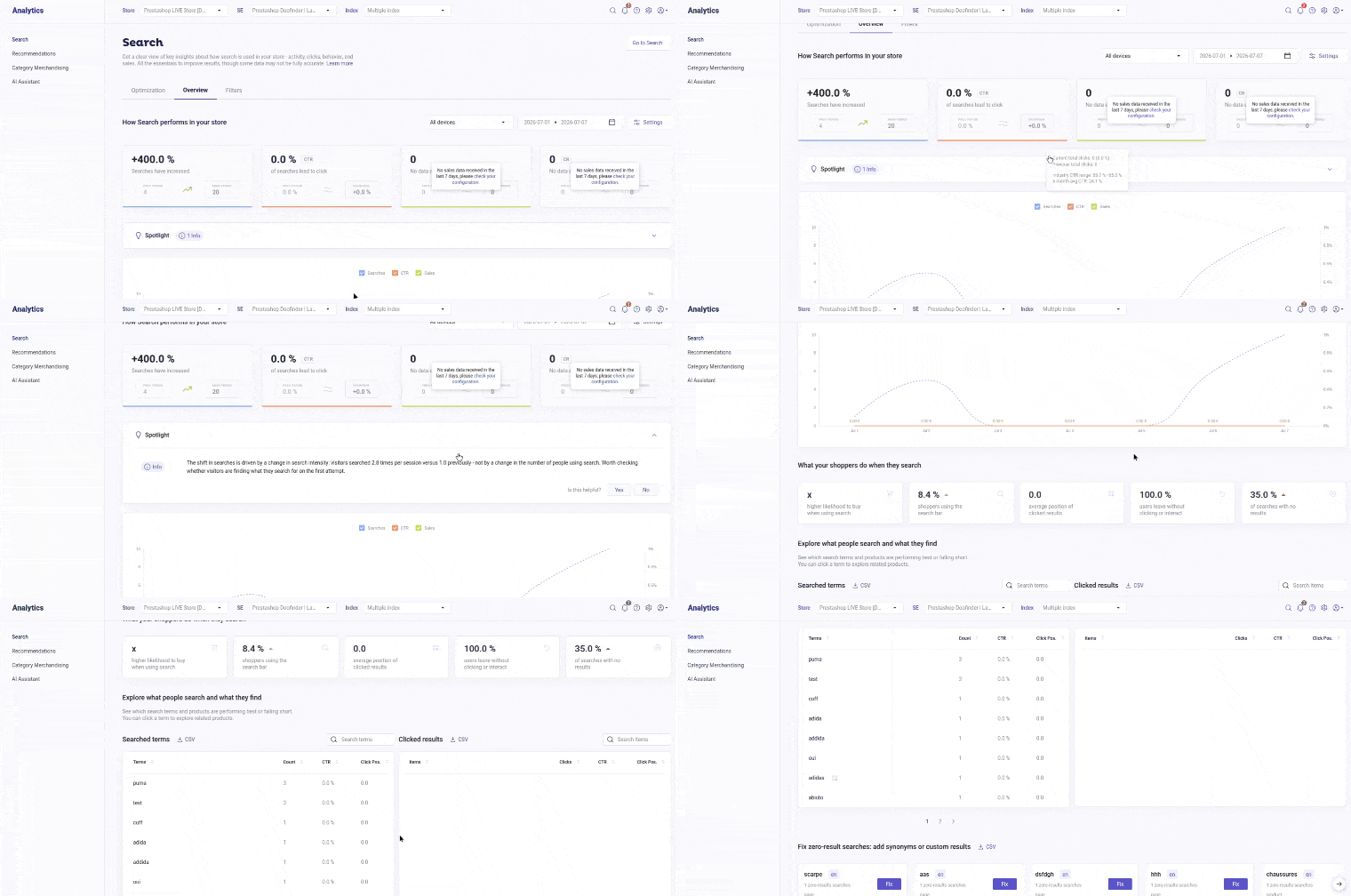
2. Overview
-
Discover how Search performs in your store including:
- How your searches evolve over time.
- How many searches lead to clicks (CTR) and purchases (CR).
- How much revenue is generated by search-driven sales.
-
Learn about Spotlight: is an automatic, no-setup diagnostic panel on the Search stats page that turns your search data into plain-language, with levels tagged insights (Critical/Warning/Success/Info) where you can instantly know how your search is performing and what to fix.
-
Understand what shoppers do when searching, such as:
- How and how much they interact with search.
- How likely it is to buy when using search versus without.
- The position of results when clicked.
- Interaction with results when search is used.
- Searches with no results.
-
Explore what people search and what they find:
- See which search terms and products perform best or underperform.
- Discover how products rank in search queries and results.
-
Identify and Fix zero-result searches: add synonyms or custom results:
- Discover which search terms can be converted into sales opportunities by performing actions in the Admin Panel.
To ensure your data is accurate and useful for improving your stats, it’s essential to configure your Sales Data correctly. An incorrect setup can result in misleading metrics. Refer to Sales Data for more information.
3. Filters
-
Discover how filters are used in your store’s searches. The Filters section shows:
- Which filters (brands, categories, etc.) are most selected.
- Which search terms triggered those filter selections.
This helps you understand how shoppers narrow down their searches and which terms matter most to them.
Stats Configuration Path
Follow this path (or jump straight to the section you need) to learn how to make the most of your Stats data.
| Section | Description |
|---|---|
| 1. Overview Stats | Learn about each performance metric, such as CTR, CR, searches, and sales driven by search. |
| 2. Sales Data Configuration | Learn to configure the checkout and payment URLs to track sales and display metrics. |
| 3. Configure and Improve Search Results with Stats Insights | Learn how to interpret your data and uncover shopper behavior insights. Discover practical ways to use Doofinder's features to improve your search performance. |
| 4. Filters Stats | Learn how your shoppers interact with filters. |
| 5. Stats Optimization | Learn about key data information such as your main metrics such as CTR, ACP and PRR. |
| 6. How Conversion Rate Works | Understand how Doofinder calculates Conversion Rate. |