


Start by Updating the App
The Doofinder app updates from the BigCommerce side, in BigCommerce Panel > Apps > Doofinder. When Doofinder adds new permissions, BigCommerce asks you to approve the new scopes, and until you accept them the integration stays on the old version.
If you are using BigCommerce and the Layer is not displaying the TAX rates accordingly, take a look at the following information:
With BigCommerce, Doofinder indexes the prices based on the Taxes Rules, as you can see below:
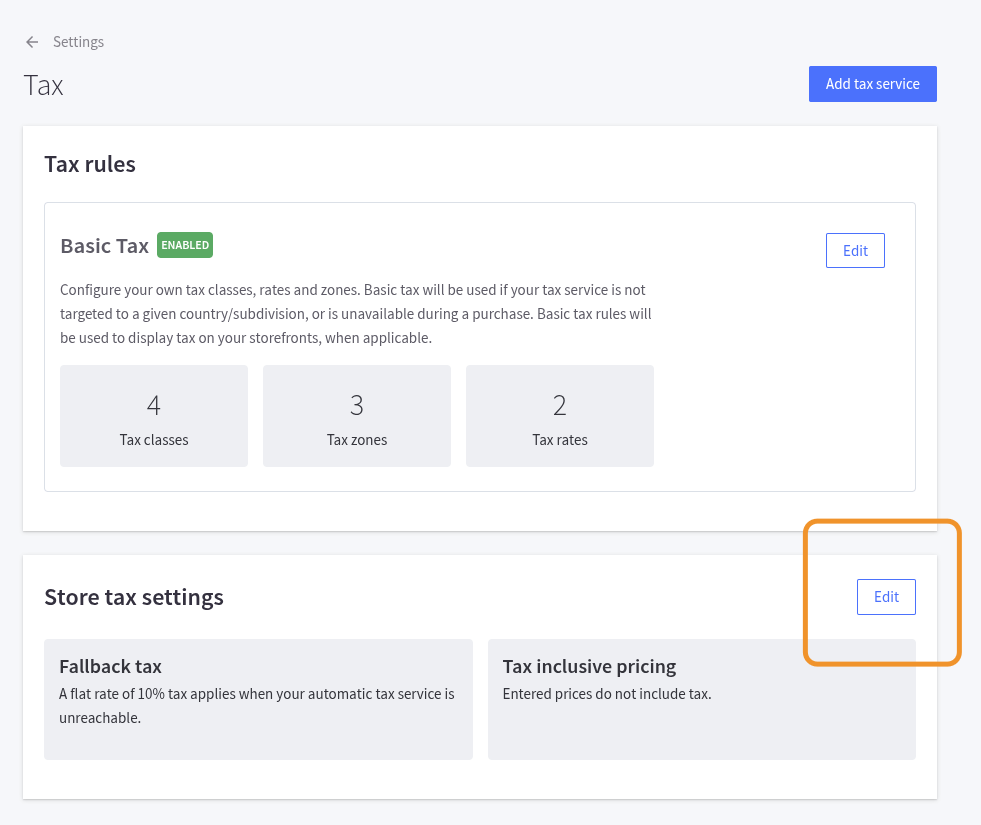
Example:
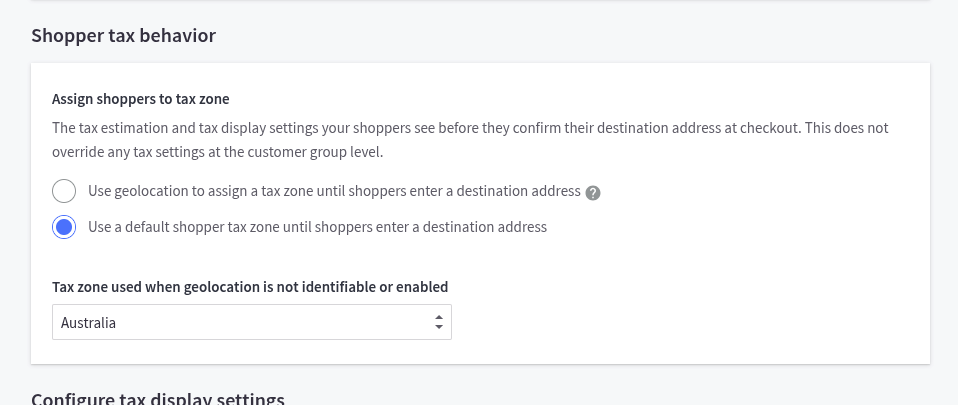
When indexing the VAT from BigCommerce, we use the specific zone to index prices, the one configured for Tax zone used when geolocation is not identifiable or enabled. In a real case example, if you have Australia set as the fallback zone, we should use the Australia setting exclusively, meaning tax-inclusive and with the relevant taxes configured.
Lastly, once the modification has been applied, reindex the catalogue to display the correct values.