


Once the module is installed, you have the option to Enable or Disable indexing of product custom fields. In order to configure the Custom Fields, you have to create a field with its corresponding values and then associate it to a specific product. Then, you'll be able to manage it on the Doofinder Plugin and index it so it can be visible on your Layer.
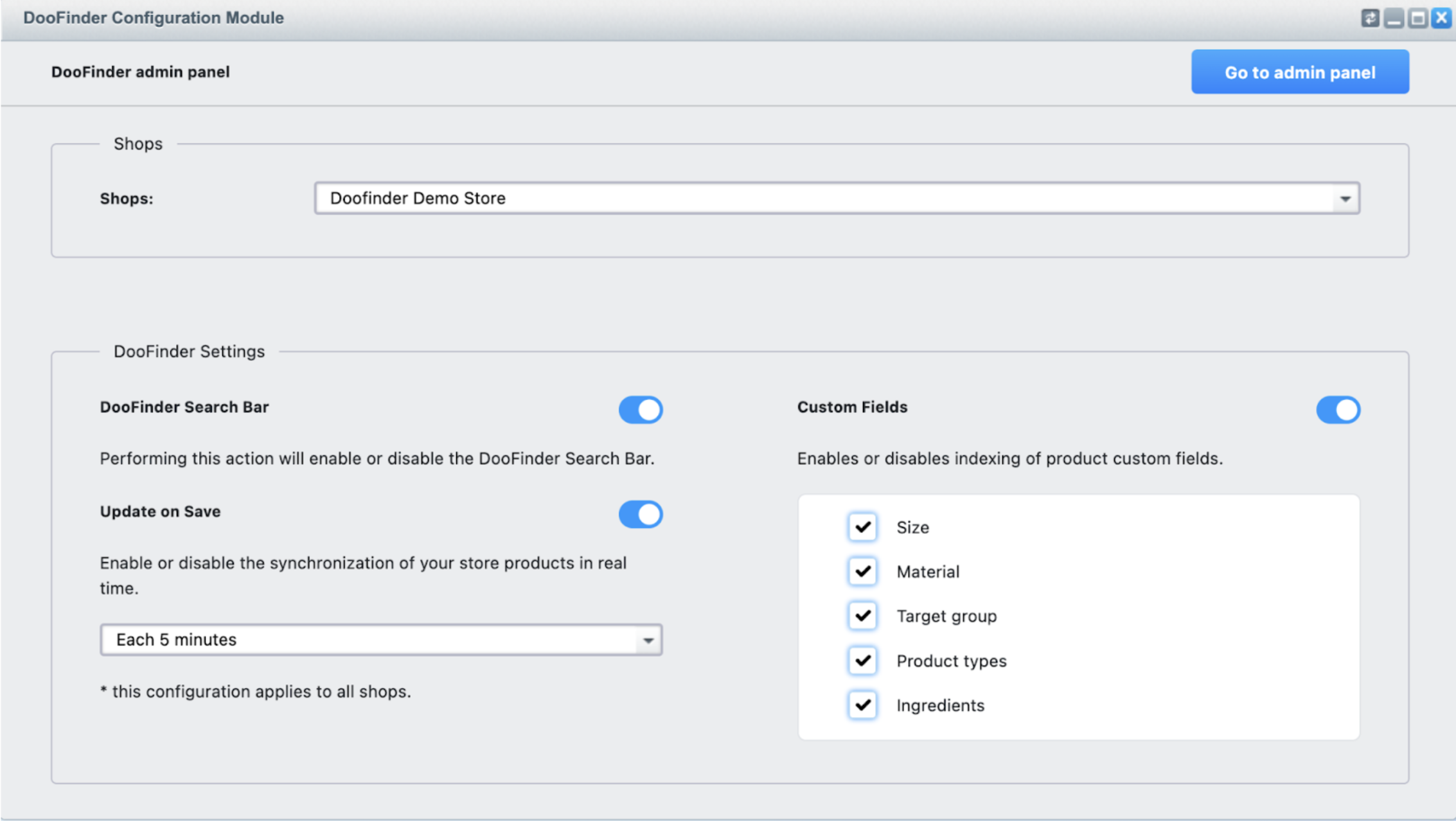
If enabled (active), all the fields marked will be indexed. On the example above, we can see some custom fields as “Size” or “Material”.
Attributes Included in The Feed
Product Profit Margin
Doofinder indexes the Product Profit Margin, the attribute responsible for showing product profitability. This mimics the process of physical retail stores allowing you to manage profit margins at the product or brand level when deciding how and which products to promote or offer.
How is it done? We calculate both percentage margin (df_calculated_margin_percentage) and absolute profit per unit (df_calculated_profit_per_unit).
How can you use it? Configure boosting rules to prioritize higher-margin products in the search results.
Stock Quantity
Doofinder indexes the product stock quantity apart from the availability information. This means that we’re indexing the numerical value of the available stock of your products, at both variant and parent product levels, allowing you to use this information on the store.
How to use it? The stock quantity can be used in the boosting rules, relevance criteria or any other merchandising configuration.
Update on save: when stock changes and the platform uses update on save, only the affected products are indexed. This avoids a full reindex, reduces system load, and makes the new stock levels visible almost instantly.
Plugin update might be required to use this feature.