Start by Updating the Module
Make sure you are running the latest version of the module before going through the checks below. Settings have moved out of the module and into the Doofinder Admin Panel, so an outdated module does not behave as this article describes.
See the How Do I Update The Module? section of Installation Steps Magento.
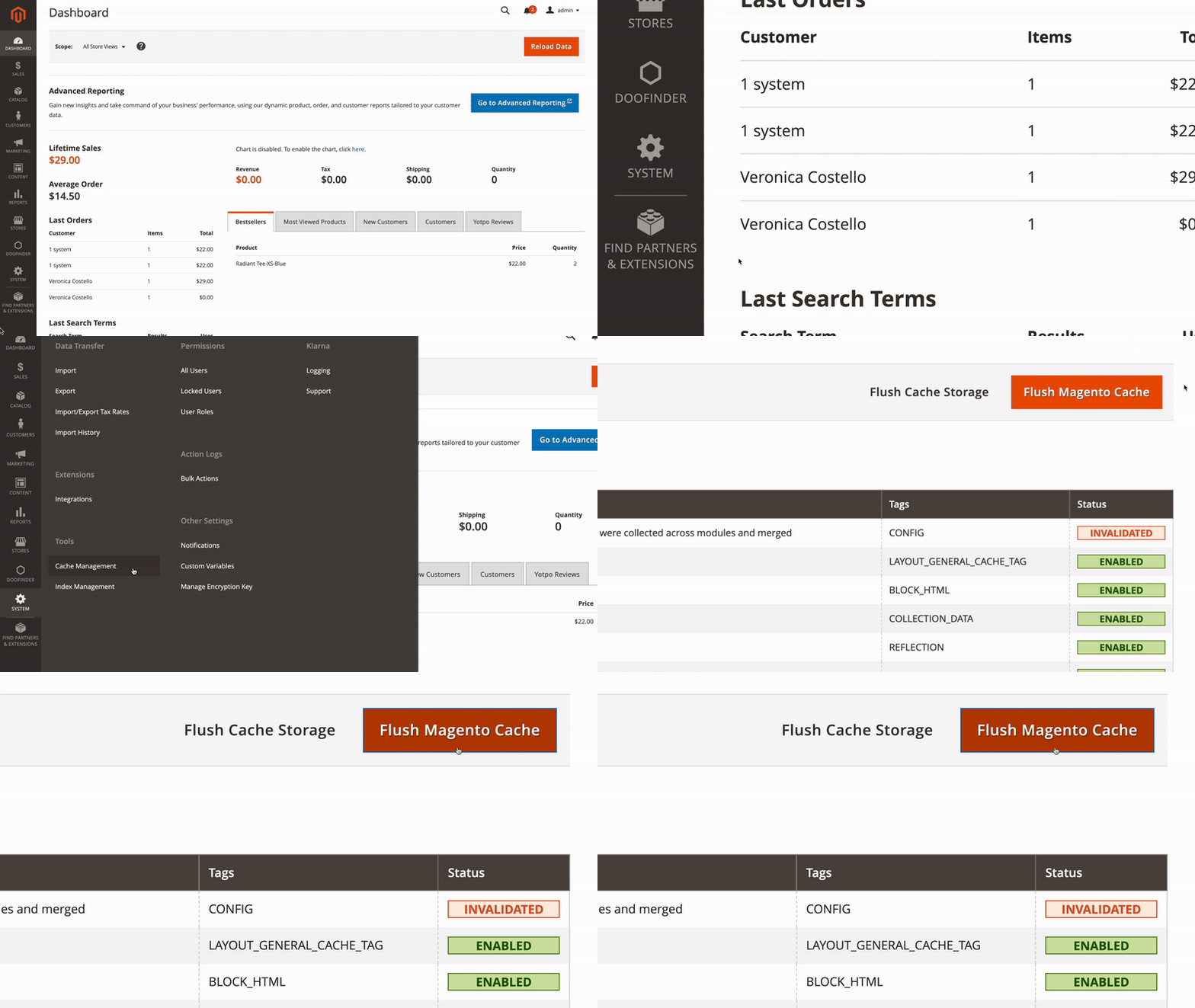
If you can't see the Layer in your store, you probably need to clean the cache after installing the module. Go to your Admin Panel > System > Cache Management and choose Flush Magento Cache.