


Start by Updating the Module
Make sure you are running the latest version of the module before going through the checks below. Settings have moved out of the module and into the Doofinder Admin Panel, so an outdated module does not behave as this article describes.
See the How Do I Update The Module? section of Installation Steps - PrestaShop.
If your Prestashop is in maintenance mode, once an indexing task is launched you will receive an error message.
To see the error, go to Configuration > Search Engines > See indices > Indices and click on the red error message.

How To Fix It
In order for Doofinder to index the data feed correctly, you just have to add our IP address to your Prestashop Admin > Configure > Shop Parameters > General > Maintenance and save.
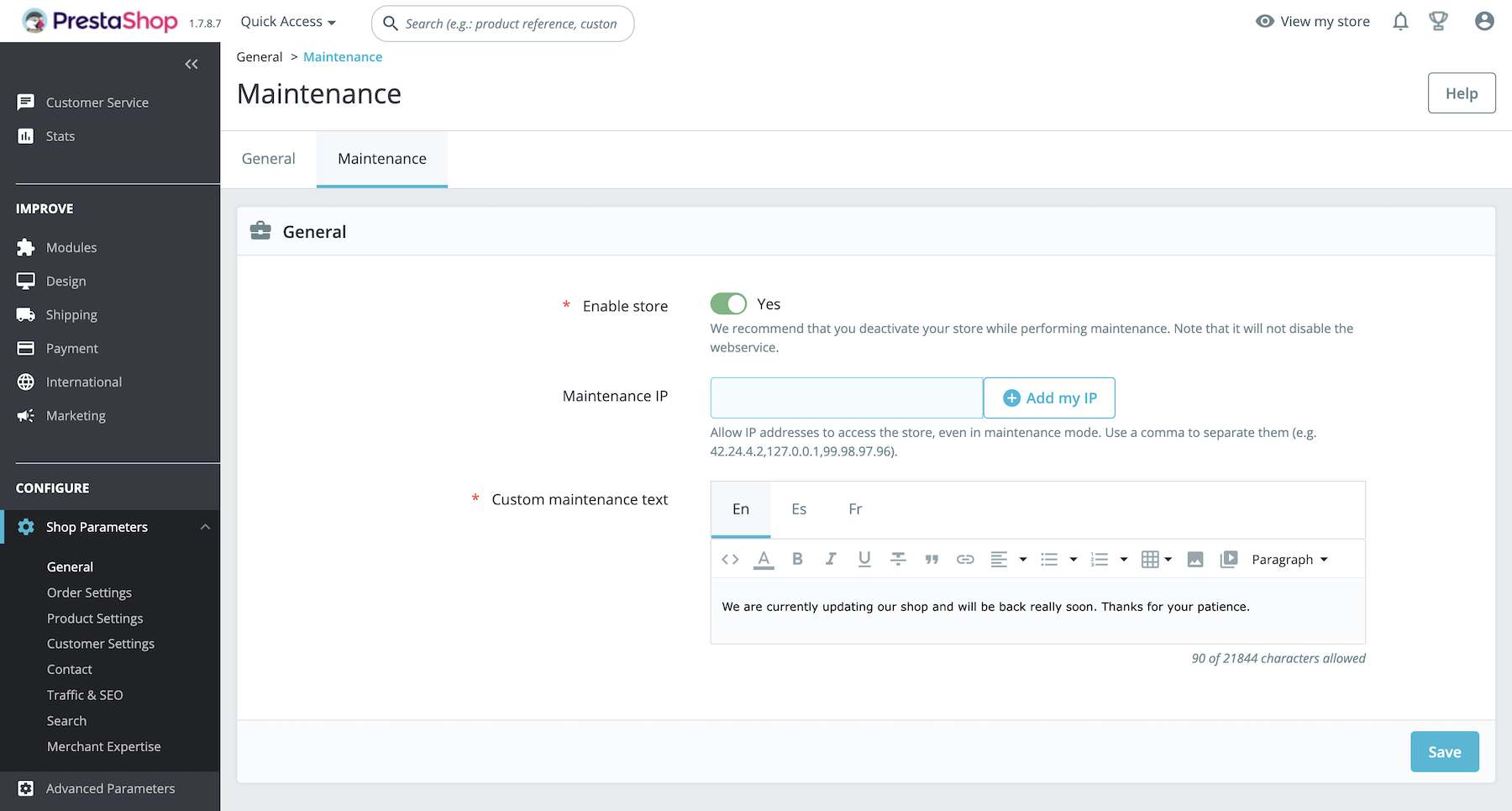
Our IPs are as follows, depending on the data center in which your store is configured:
-
Europe: 54.171.4.216
-
USA: 52.2.218.41
-
Asia: 18.143.220.25
You can also add our IP to the Prestashop admin > International > Location > Geolocation.
If you are not sure what your zone is, check under your Dooginder admin > Configuration > General settings > Installation script >should look like this: ‘https://eu1-’ …
Example:
<script src="https://eu1-config.doofinder.com/2.x/a3b1c3-15863-487599-942207-b57d9bcda620.js" async></script>
Once authorized, your store will be reachable from our server, allowing it to index your catalog.