


You can copy the sets of Custom results, Banners, Redirections, Synonyms, Filters, and Search fields to other Search Engines from the same Store.
When choosing the destination Search Engine, to copy your sets of configurations, keep in mind the names of your products and the language of each Search Engine. If the copied value does not match the destination, it might not be considered.
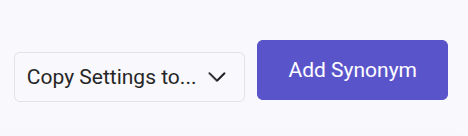
To do so, click on "Copy Settings to..." (usually on top of the list of configurations) > select the Search Engines of your choice > then click on Apply.
A pop-up will appear for you to choose between "Copy and Add to Existing Settings" and "Copy and Replace Existing Settings".
- Choose "Copy and Add to Existing Settings" to add all the sets from the Search Engine to the one selected on the dropdown list. The sets already created in the destination Search Engine will remain untouched.
- Choose "Copy and Replace Existing Settings" to replace all the sets in the destination Search Engine. The sets already created in the destination Search Engine will be deleted.
Keep in mind when choosing "Copy and Replace Existing Settings" that once the replacement has been applied, it is not possible to undo the changes or retrieve the original sets.
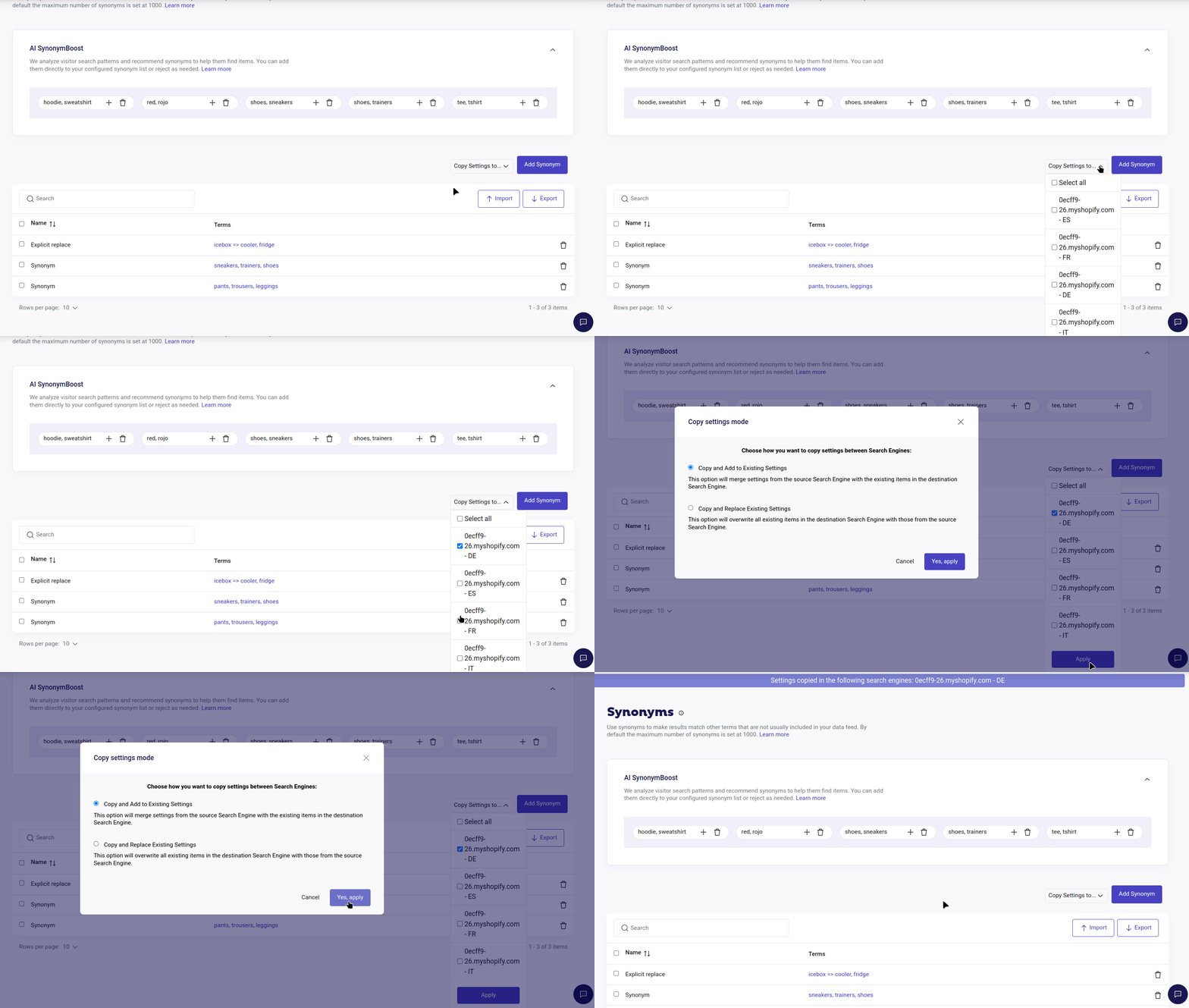
Save the changes by clicking on "Yes, apply".